5 Essential Tools to Supercharge Your Claude Workflows
On this page
Introduction#
Large Language Models (LLMs) are incredibly powerful, but raw capability often leads to inefficiency. Without the right architectural support, AI assistants tend to hallucinate relationships, over-engineer solutions, waste tokens on boilerplate, and suffer from "session amnesia."
The modern AI workflow isn't just about writing prompts; it's about architecting the environment around the model. By wrapping Claude in purpose-built tools, we can enforce structure, preserve context, compress noise, and drastically improve output quality.
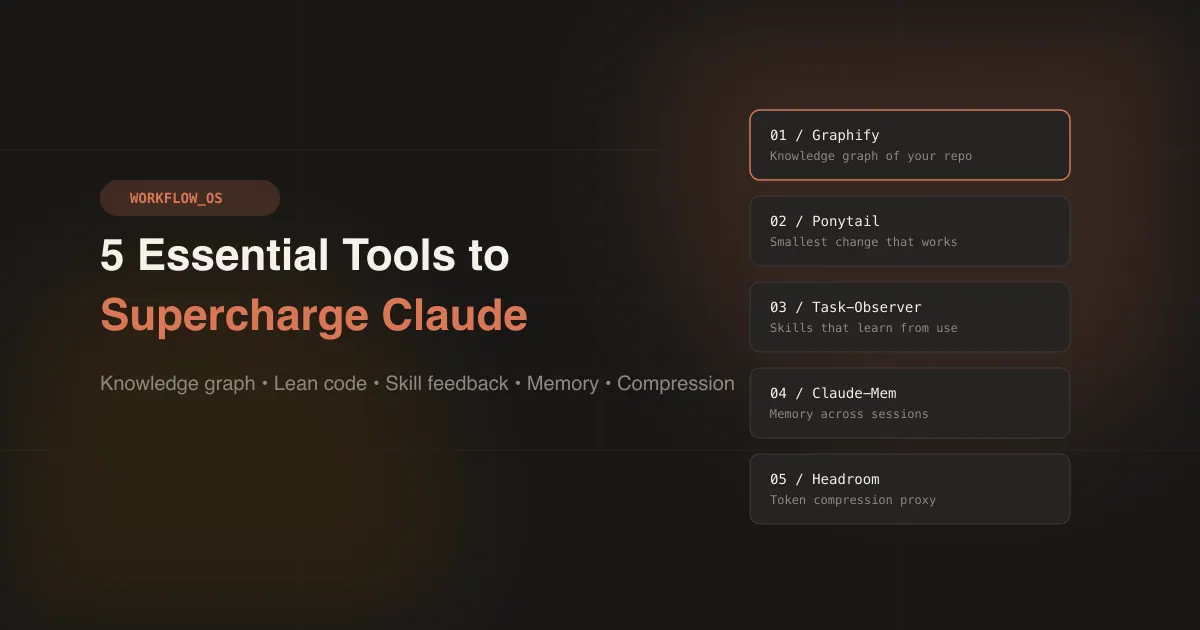
In this guide, we explore five essential tools that have transformed professional Claude workflows: Graphify, Ponytail, Task-Observer, Claude-Mem, and Headroom.
1. Graphify: The "Knowledge Graph" Engine#
Purpose:
Standard vector search often fails to capture complex file dependencies. Graphify converts your entire codebase (code, docs, PDFs, images) into a queryable Knowledge Graph, giving the AI a structural map of your project.
Why Use It:
AI assistants frequently locate files but miss how they interact. Graphify allows the model to query relationships instead of blindly grepping files, drastically reducing "file not found" errors and hallucinations.
How to Configure:
- Install: Graphify is a Python package (
graphifyyon PyPI). Install the CLI, then register the skill with your assistant.bashuv tool install graphifyy # or: pipx install graphifyy graphify install - Build: In Claude Code, type
/graphify .to map the current project into a knowledge graph. - Query: Ask questions of the graph instead of grepping, from Claude or the terminal.
bash
graphify query "who calls the auth middleware?"
🔗 Reference: Graphify-Labs/graphify
2. Ponytail: The Minimalist Code Enforcer#
Purpose:
LLMs are notorious for "over-engineering." Ponytail forces the model to act like a "lazy senior developer"—writing only what’s necessary. Before writing code, it stops at the first option that works: does this need to exist, is it already in the codebase, does the standard library do it, and only then the minimum code.
Why Use It:
In the project's own benchmark, Ponytail 5 wrote 53% less code and used 45% fewer tokens than the same model without it. It eliminates boilerplate and forces logical rigor. The model stops "rambling" in code blocks and focuses on precision.
How to Configure:
- Install: Ponytail is a Claude Code plugin. Run these inside Claude Code, as two separate prompts:
text
/plugin marketplace add DietrichGebert/ponytail /plugin install ponytail@ponytail - Usage: Once installed it is active in every session. Set the intensity with
/ponytail lite,full(the default) orultra, and use/ponytail-reviewto review a change before you ship it.
🔗 Reference: DietrichGebert/ponytail
3. Task-Observer: The Session Quality Controller#
Purpose:
Most users treat AI interactions as one-off queries. Task-Observer is a meta-skill that watches every work session, logs corrections, identifies error patterns, and enforces rigorous environment setup.
Why Use It:
It turns chaotic trial-and-error into a logged, repeatable workflow. If you correct the AI, Task-Observer records it and proposes an improvement to the skill involved, so the fix carries into every future session. Nothing changes until you approve it.
How to Configure:
- Install: Add the skill with the skills CLI (needs Node.js). Add
-gto install it for all your projects.bashnpx skills add rebelytics/one-skill-to-rule-them-all --skill task-observer - Activate: Installing alone is not enough. Add the activation instruction from the repository's
references/environments.mdto yourCLAUDE.md, then start a new session. From then on it logs corrections and suggests skill improvements for you to review.
🔗 Reference: rebelytics/one-skill-to-rule-them-all
4. Claude-Mem: Persistent Memory Across Sessions#
Purpose:
Claude’s context window resets on every new chat. Claude-Mem solves "session amnesia" by automatically capturing tool usage, file changes, and decisions, then compressing them into structured notes that persist across sessions.
Why Use It:
You no longer need to re-explain project architecture or past decisions. The AI "remembers" your preferences automatically, maintaining continuity without bloating the context window.
How to Configure:
- Install: Install the persistent memory plugin for Claude Code, either from the terminal or from inside Claude Code.
bash
npx claude-mem installThe installer offers a hosted memory service with a sign-in. To keep everything local, pass an explicittext/plugin marketplace add thedotmack/claude-mem /plugin install claude-mem--providerflag; the README lists the options. Note thatnpm install -g claude-meminstalls only the library, not the plugin. - Usage: Restart Claude Code. It runs silently in the background, and context from previous sessions appears automatically in new ones.
🔗 Reference: thedotmack/claude-mem
5. Headroom: The Token Compression Proxy#
Purpose:
Tools like git diff or grep generate massive text payloads that AI models often ignore but still charge for. Headroom sits between your AI tool and the LLM, compressing logs, outputs, and boilerplate before they reach the model.
Why Use It:
In the project's own example, a 55,957-token agent prompt is compressed to 24,340 tokens (about 56% fewer) and the model still finds the line that matters. You get the same quality outputs at a fraction of the API cost.
How to Configure:
- Install: Headroom is a Python package that ships the
headroomCLI.bashuv tool install --python 3.13 "headroom-ai[all]" # or: pip install "headroom-ai[all]" - Connect: Wrap Claude Code (or Codex, Cursor and others) in one command.
headroom unwrap claudeundoes it.bashheadroom wrap claude - Run: Check routing with
headroom doctor, and watch the live savings withheadroom dashboard.
🔗 Reference: headroomlabs-ai/headroom
Conclusion#
The future of AI development isn't about writing longer prompts; it's about architecting the environment around the model. By integrating Graphify, Ponytail, Task-Observer, Claude-Mem, and Headroom, you enforce structure, preserve memory, compress noise, and drastically reduce hallucinations.
Start with Headroom for instant cost savings, layer in Graphify for structural awareness, and build outward. The AI brain is powerful—your job is to build the nervous system around it.
Keep reading
Where this fits
This article, its topic, and the closest related reading. See the full map →
- Harness Engineering: The Harness Around the Brain
- Loop Engineering: The Brain Behind the Agent
- Apple’s Free Local LLM Is Hiding in macOS Terminal
- Fine-Tuning vs Retrieval-Augmented Generation (RAG): Choosing the Right Approach for Custom LLMs
- LLM Context Windows and Memory: How Models Handle Extended Dialogues
- Build LLM Vocab: Tokens, Embeddings, Vocabulary Size, and Context Windows Explained
Stay in the loop
New articles on AI, Cybersecurity, and PKI — delivered to your inbox.
No spam. Unsubscribe any time. By subscribing you agree to our Privacy Policy.